 Media & Entertainment Collection
Autodesk Media & Entertainment Collection
Bring breathtaking characters and scenes to life for film, TV, and games
Image courtesy of Rodeo FX
M&E Collection
All your favorite animation tools in one package
M&E Collection
All your favorite animation tools in one package
M&E Collection
All your favorite animation tools in one package
What's new
Meet Flow Studio and Golaem
What's new
Meet Flow Studio and Golaem
Only in the M&E Collection
Scalable tools for magical animations
Only in the M&E Collection
Scalable tools for magical animations
M&E Collection
All your favorite animation tools in one package
M&E Collection
All your favorite animation tools in one package
M&E Collection
All your favorite animation tools in one package
What's new
Meet Flow Studio and Golaem
What's new
Meet Flow Studio and Golaem
Only in the M&E Collection
Scalable tools for magical animations
Only in the M&E Collection
Scalable tools for magical animations
Make every frame count
Kick off your animation by visualizing scenes, defining camera angles, and blocking out your environment.
Model detailed worlds and characters, then animate with motion capture, keyframes, and crowd simulation.
Apply lighting, shaders, and materials to elevate your visuals. Render with Arnold to achieve cinematic quality and detail.
Top capabilities in the M&E Collection

Animate multiple characters with ease
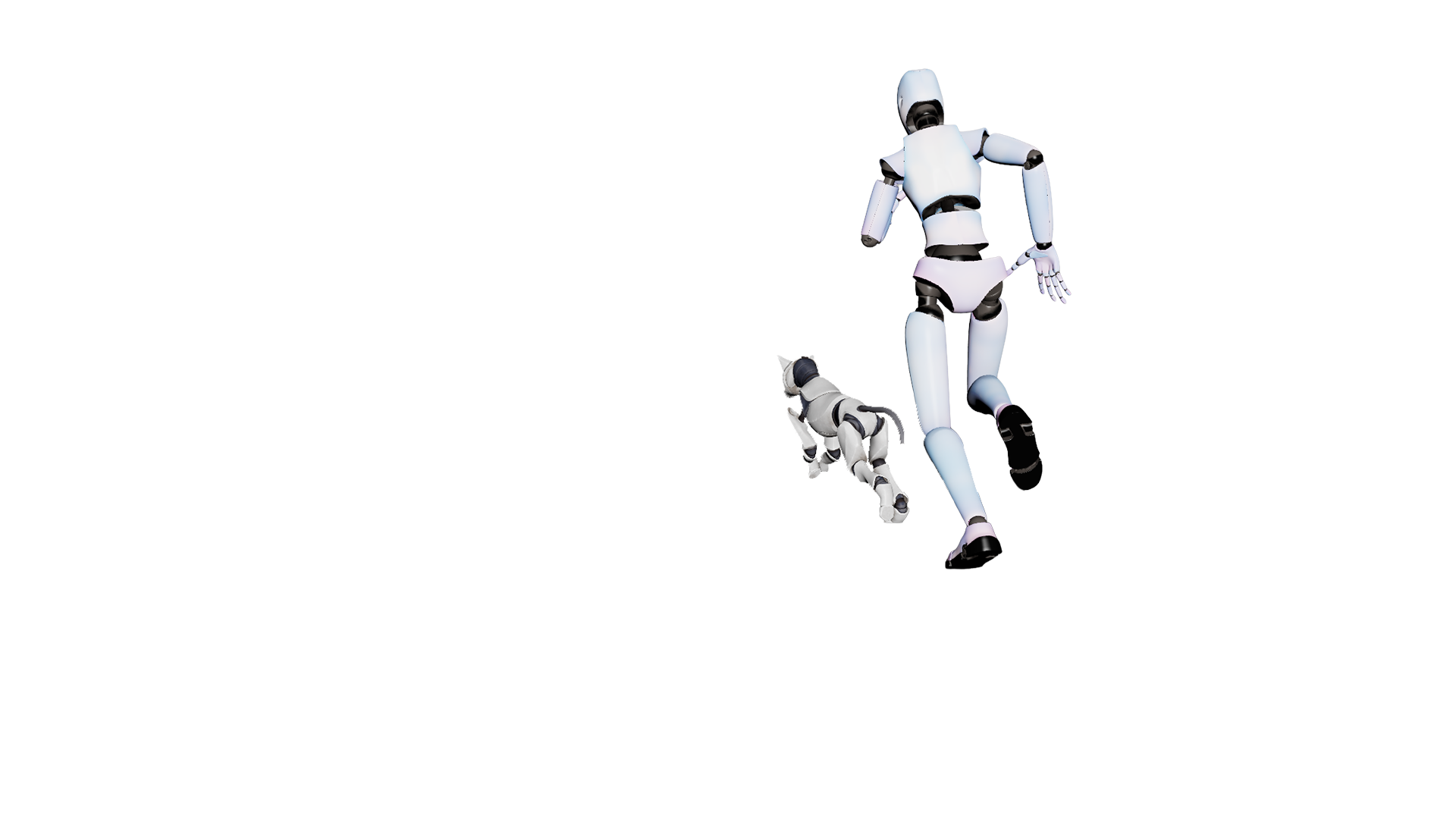
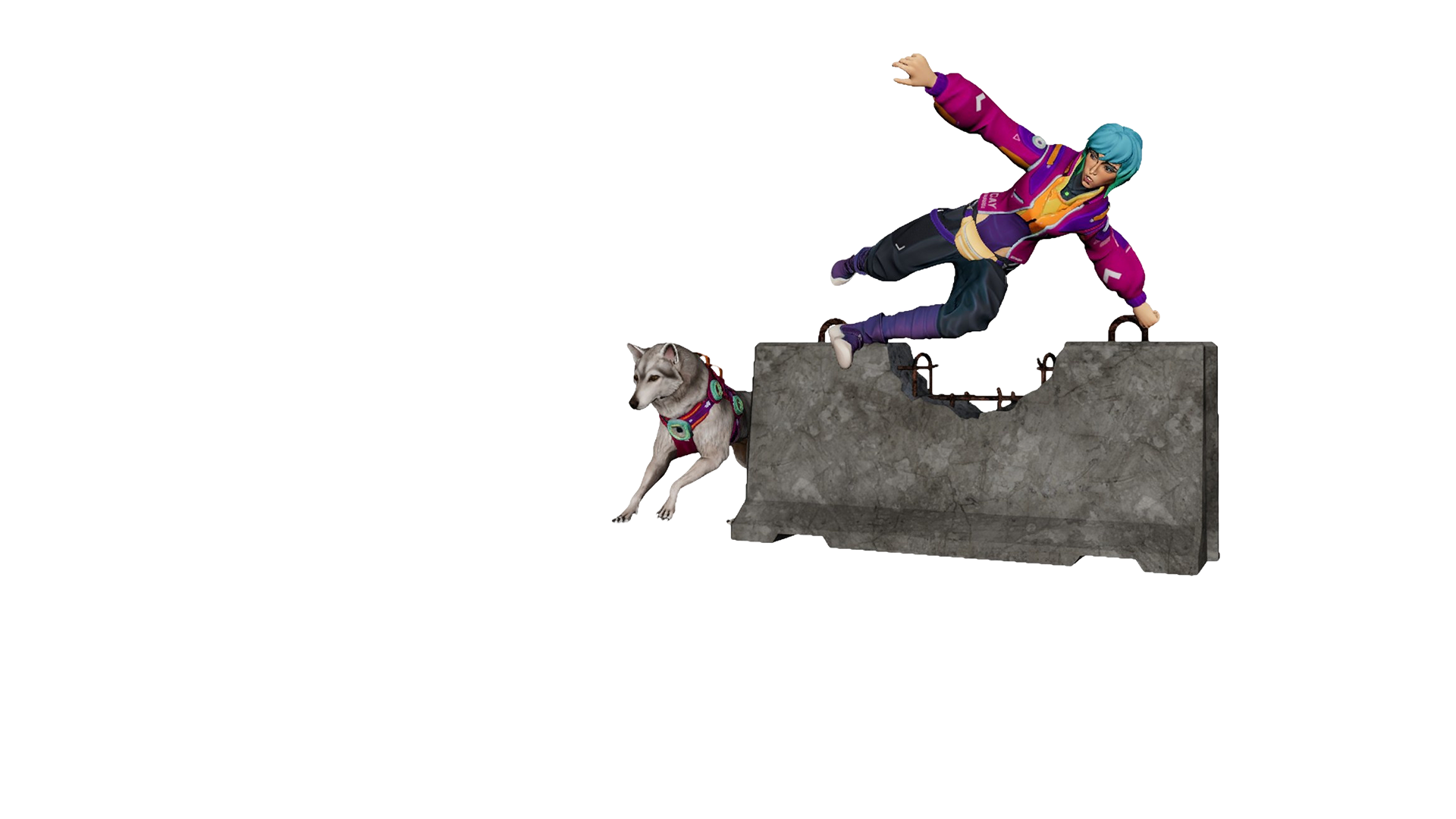
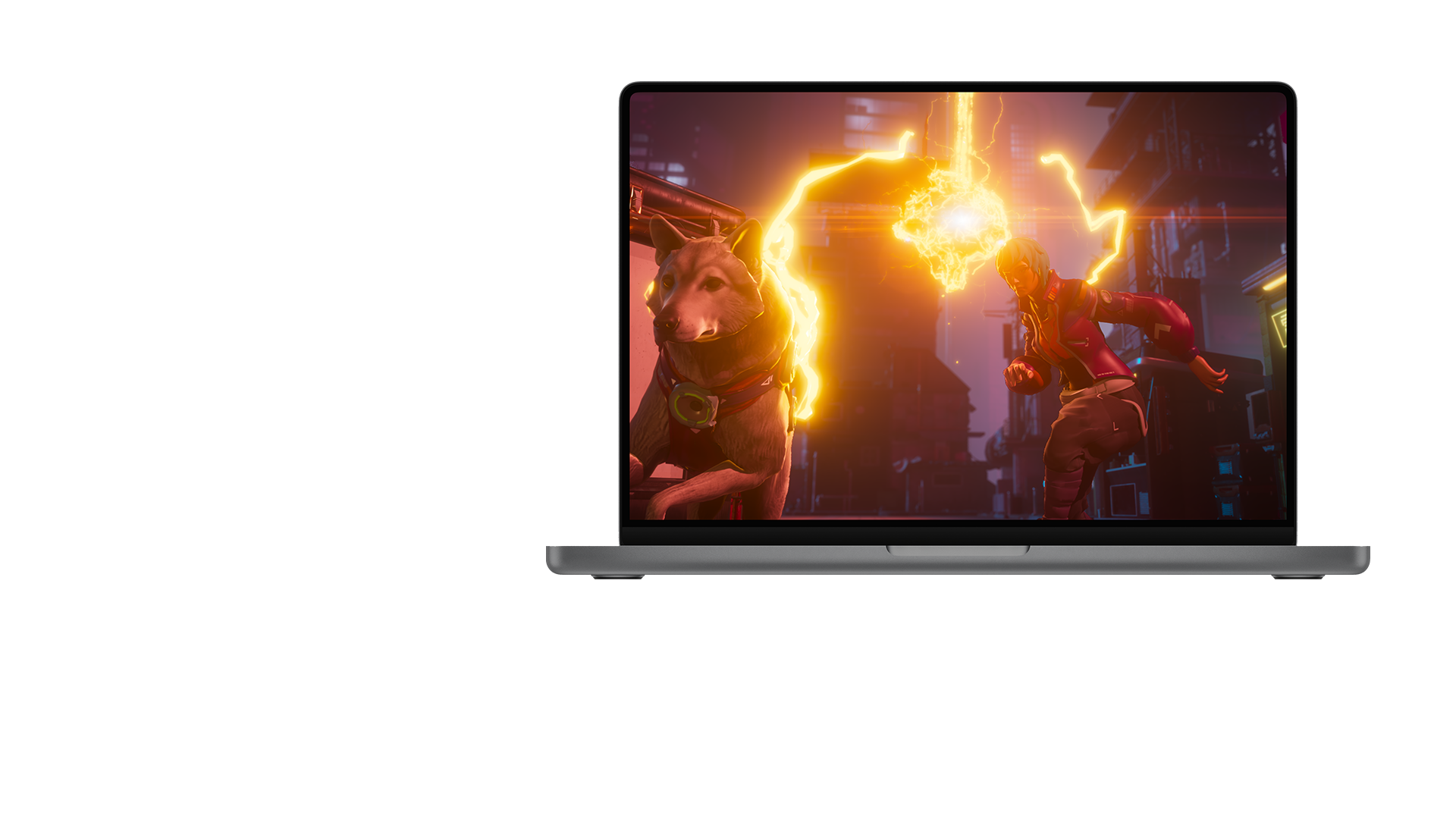
Direct characters in your scenes with precise animation tools for retargeting motions, ground adaptation, and more, with Golaem for Maya.

Produce animated projects with speed
Transform live-action footage into fully editable, pipeline-ready CG scenes with AI-powered tools in Autodesk Flow Studio.

Animate with AI you control
Avoid tedious tasks and take control of your animations with tools like ML Deformer and MotionMaker in Maya.

Scale rendering
Render complex animation projects head-on with five Arnold licenses in the M&E Collection.

Deliver bigger effects
Create serious simulations and explosions procedurally with Bifrost on 15 machines.

Build an efficient end-to-end pipeline
Streamline data exchange and collaboration with OpenUSD integration across Maya, 3ds Max, MotionBuilder, and Arnold.
Save on the products you need with the Media & Entertainment Collection

Media & Entertainment Collection
Shape 3D characters and scenes with a toolset that makes modeling feel more like creative expression than pressing buttons.
3ds Max
Maya
Flow Studio Pro
{{PRICE}}/{{TERM}}
Compare to purchased separately
Media & Entertainment Collection
Seamlessly capture, edit, and play back complex animations with strengthened motion capture capabilities.
MotionBuilder
Flow Studio Pro
Maya
{{PRICE}}/{{TERM}}
Compare to purchased separately
Media & Entertainment Collection
Harness powerful AI, animation, and new crowd creation tools. Plus, accelerate animation production with Video to 3D Scene technology.
Maya
3ds Max
Golaem
{{PRICE}}/{{TERM}}
Compare to purchased separately
5 Licenses
Media & Entertainment Collection
Create more stylized or realistic renders with 5 Arnold licenses. Plus, leverage automated cloud-based rendering technology in Flow Studio.
Arnold - 5 Licenses
Flow Studio Pro
Maya
{{PRICE}}/{{TERM}}
Compare to purchased separately
Fortiche Production
How the renowned animation studio uses Golaem for Maya to create crowds for Arcane Season 2.
We created 313 crowd shots, ranging from 3 characters to over 600
–Michael Etienne, Crowd Simulation Supervisor, Fortiche Production
Fortiche Production
How the renowned animation studio uses Golaem for Maya to create crowds for Arcane Season 2.
We created 313 crowd shots, ranging from 3 characters to over 600
–Michael Etienne, Crowd Simulation Supervisor, Fortiche Production
Latest M&E news and updates
Stay current with Autodesk’s animation, VFX, and game dev solutions
What’s new
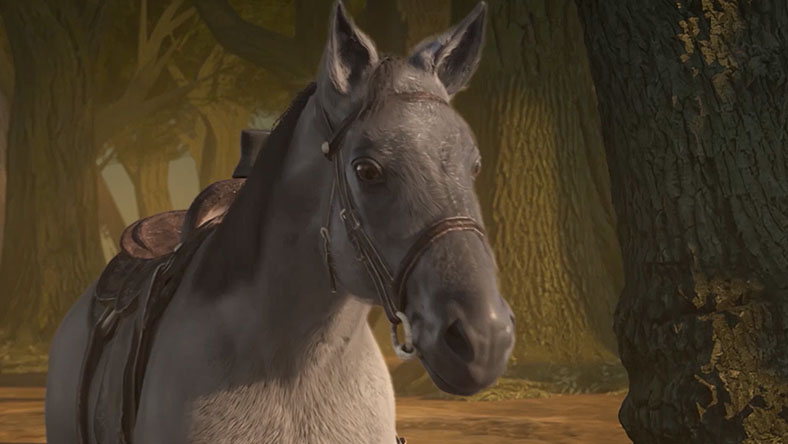
MotionMaker for horse animation in Maya
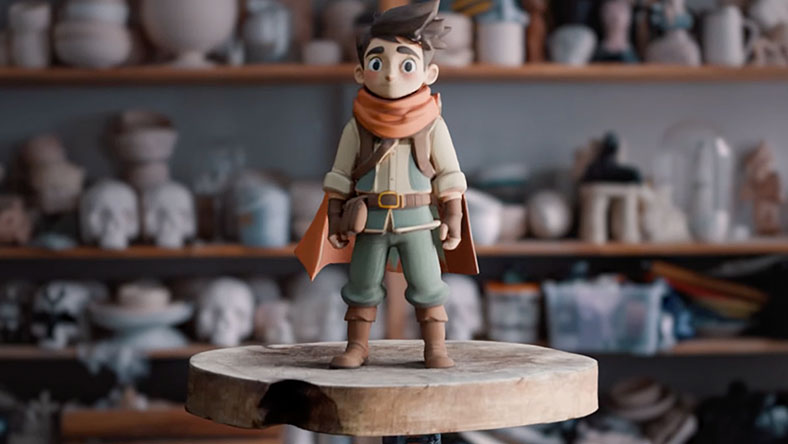
What’s new
Generate fully textured, editable 3D assets with Wonder 3D in Flow Studio
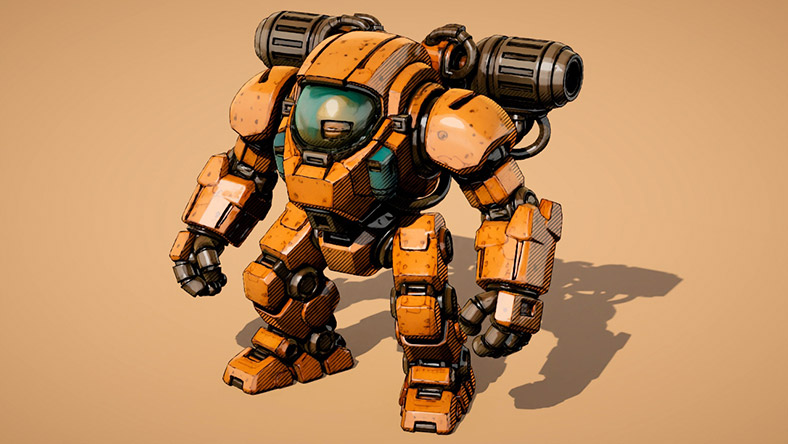
What’s new
Learn about the latest releases across Maya, 3ds Max, Flow Studio, and Arnold
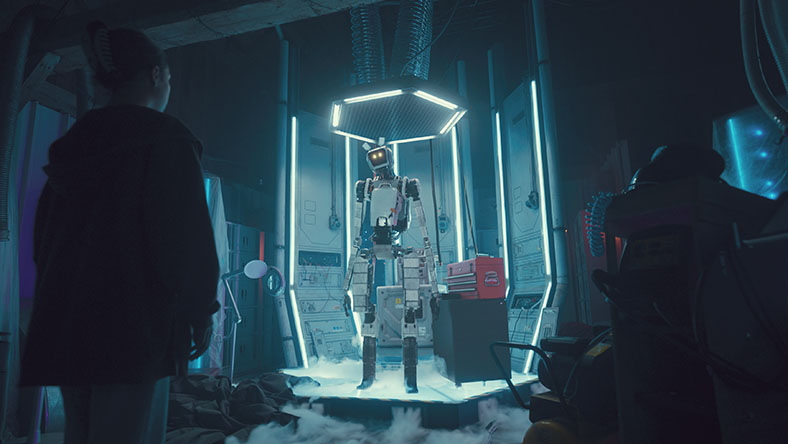
News
Visit our M&E Blog for the latest news and stories in Film, TV, and Games
YouTube
Subscribe for exclusive animation, VFX, and games content
Questions? We have answers
What is the Autodesk Media & Entertainment Collection?
Who is the Autodesk Media & Entertainment Collection for?
The Autodesk Media & Entertainment Collection is designed for individuals and studios working across Film, TV, and Games. Its scalable, end-to-end 3D toolset gives artists access to powerful capabilities for modeling, rigging, animation, and rendering — ideal for modern animation, visual effects (VFX), and game development workflows.
What products are included in the Autodesk Media & Entertainment Collection?
The Autodesk Media and Entertainment Collection includes Maya, the Golaem plug-in for Maya, Autodesk Flow Studio, 3ds Max, Arnold (with the option of getting a 5-pack), MotionBuilder, Mudbox, Character Generator access, ReCap Pro, and Autodesk Rendering.
You can also run Bifrost for Maya on up to 15 machines with each collection license, enabling you to process Bifrost-created simulations on a compute farm. Bifrost for Maya is a visual programming environment for creating complex effects.
How do I get Golaem with the Media & Entertainment Collection?
Golaem is a crowd simulation plug-in exclusively available in the Autodesk Media & Entertainment Collection and requires separate download for use with Maya and other 3D content creation tools. For more information, please read the FAQ here.
How do I get Autodesk Flow Studio with the Media & Entertainment Collection?
When you purchase the Media & Entertainment Collection, you’ll gain access to the Pro Tier of Autodesk Flow Studio. Check out the FAQ for step-by-step instructions on how to activate your access.
How do I get the Arnold 5-pack with the collection?
If you purchase the Media & Entertainment Collection online (via this page), you get a single-user Arnold license, which you can use on up to 5 separate machines. If you purchase the collection subscription from a reseller, you have the choice between receiving an Arnold single-user license or a 5-pack of Arnold multi-user licenses. The option to get multi-user licenses in place of a single-user license is only available if you buy from a reseller and doesn’t apply if you purchase online from this page. Learn more in this FAQ.
How are the products in the Media &Entertainment Collection integrated?
For core products, common file formats can be imported and exported. With certain products, you can collaborate simultaneously on a model or project throughout a workflow. For examples, see Game design and development or Film and TV production. Arnold is the integrated renderer in Maya and 3ds Max, enabling you to see high-quality previews and iterate changes quickly.
How much does a Media & Entertainment Collection subscription cost?
The price of an annual Media & Entertainment Collection subscription is {{price.MECOLL.1year}} and the price of a monthly Media & Entertainment Collection subscription is {{price.MECOLL.month}}. The price of a 3-year Media & Entertainment Collection subscription is {{price.MECOLL.3years}}.
What if we don’t need every product in the Media & Entertainment Collection?
Use the products you need and will get the most value from. If you use just 2 or 3 of the products in the collection, the subscription cost is likely to be lower than subscribing to products individually. You’ll increase the capabilities of your business, simplify software administration, and reduce the time spent from project start to completion.
How do I upgrade from an individual product subscription to a collection?
If you purchased your subscription online from our website, you can upgrade to an industry collection when your current product subscription expires. If you purchased your subscription from a sales representative or authorized partner, contact them for assistance. Learn more about upgrading your Autodesk product or plans.
What are the system requirements for the Media & Entertainment Collection?
Most desktop products in the Media and Entertainment Collection can run on Microsoft® Windows®, Apple® macOS®, and Linux®. See Media and Entertainment Collection system requirements for specific product details.
Can I install the Media & Entertainment Collection on multiple computers?
See Autodesk industry collection licensing behavior for full details on computer access for single-user and multi-user licenses.
How do I download a trial of the Media & Entertainment Collection?
Download a free 30-day trial of any software—you can try multiple products simultaneously—included in the Media and Entertainment Collection. Use at least a 10 Mbps Internet connection and make sure you have enough space on your hard drive as trials are typically large file sizes. Download trials one at a time, then restart your computer to get started. For help with trialing products in the collection, follow our step-by-step download and install instructions.
What if I need help downloading and installing a trial?
To troubleshoot download issues, review our support article, or search the community forums for answers.


Products you can trust
From payment flexibility to always-on support, expect excellence.

