Autodesk Education Community
Make real products as you learn
Make real products as you learn
Whether you’re new to CAD & CAM or are a seasoned expert, these hands-on projects will create a spark. They include everything you need to get started with Fusion 360.
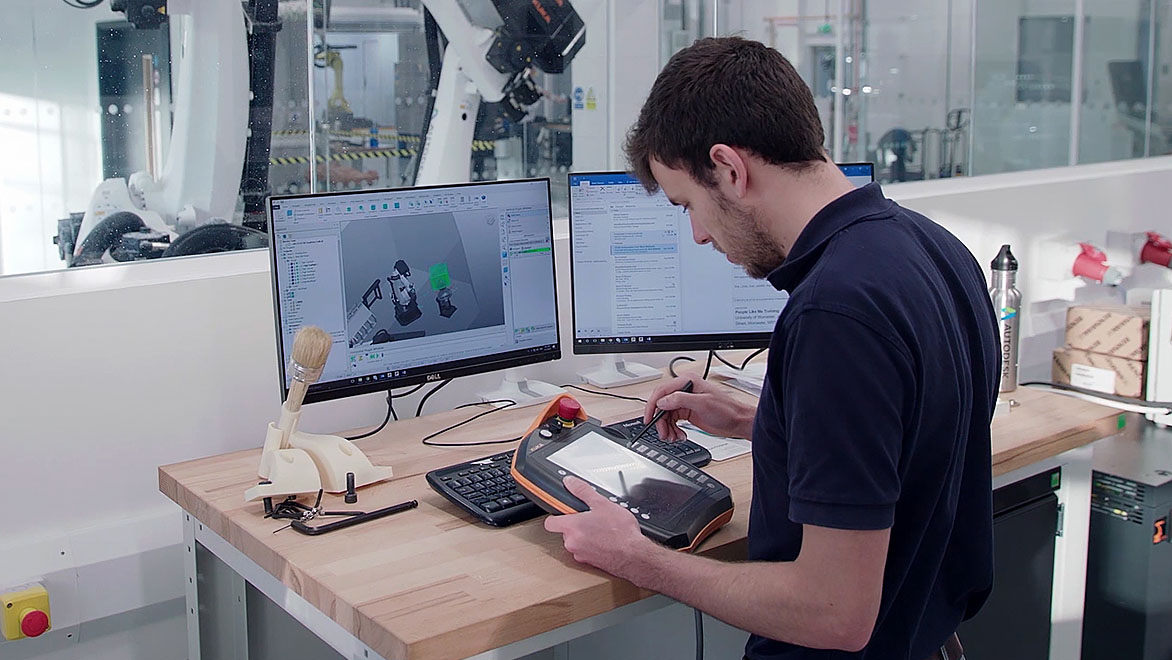
Make a speed vise handle
Make a speed vise handle
This project-in-a-box will lead you through simple CAD and CAM workflows in Fusion 360 to design and build a speed vise handle. It includes descriptive videos, setup sheets, drawings, and a machine tool library. By the end, you will be able to create an actual speed vise handle that you can then use in the shop.
Make a speed vise handle
Make a speed vise handle
This project-in-a-box will lead you through simple CAD and CAM workflows in Fusion 360 to design and build a speed vise handle. It includes descriptive videos, setup sheets, drawings, and a machine tool library. By the end, you will be able to create an actual speed vise handle that you can then use in the shop.
Speed vise instructional videos
Watch videos from this Project-in-a-Box to make a real speed vise handle that you can use in the shop.

Overview
Overview
This video will introduce you to the concepts you’ll learn with the Speed Vice Handle Project-in-a-Box.

Designing the handle
Designing the handle
This video will take you step-by-step through the design of a speed-vise handle, teaching you how to use the CAD platform in Fusion 360.

Machining the handle
Machining the handle
This video will help you ramp up on the manufacturing workspace of Fusion 360, explaining in detail how to create toolpaths for a speed vise handle.

Designing the knob
Designing the knob
This video will sharpen your skills on the manufacturing platform in Fusion 360, showing you how to create a knob that attaches to the speed vise handle.

Machining the knob
Machining the knob
This video will show you how to link the knob into the design so any changes you make in the original will propagate in the new file.

Machine footage
Machine footage
This video highlights in-machine footage of the CNC operations.
Caliper depth base attachment classroom project
This project-in-a-box will lead you through both CAD and CAM workflows in Fusion 360 to design and build a caliper depth base attachment. The videos below will walk you through each step and should be followed in order.
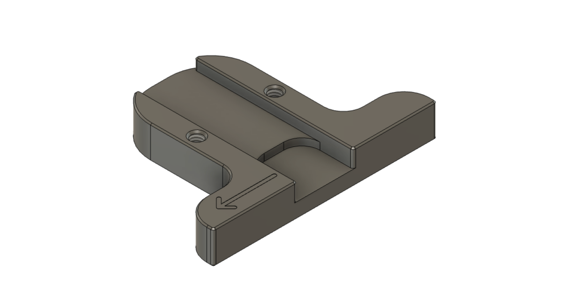
1. Designing the base
1. Designing the base
Create the base for the assembly and lay the foundation for the rest of the project.
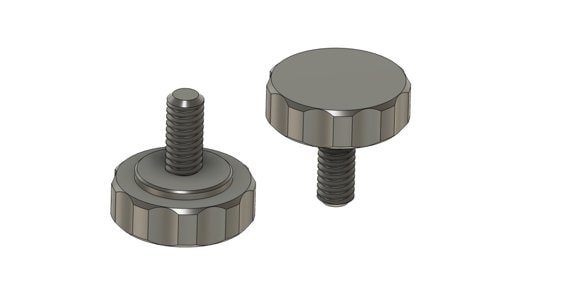
2. Designing the knobs
2. Designing the knobs
Add knobs to the base which will lock the caliper into place.
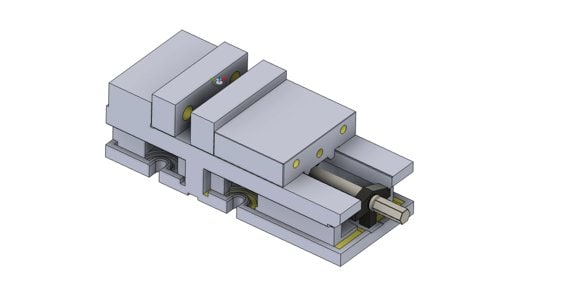
3. Vise setup
3. Vise setup
Import a vise model and add intelligence in Fusion 360. Creating a smart vise will save you and your students time and reduce errors.
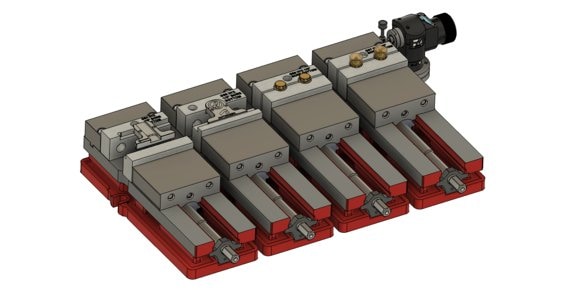
4. Manufacturing Assembly and Setup
4. Manufacturing Assembly and Setup
Leverage the power of integrated CAD/CAM to create a manufacturing assembly to drive production of the components.
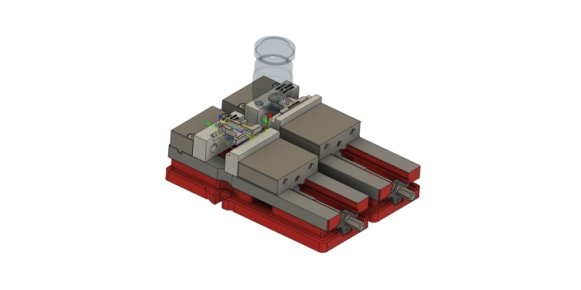
5. Base CAM programming
5. Base CAM programming
Considerations and steps for creating effective toolpaths for the base component.
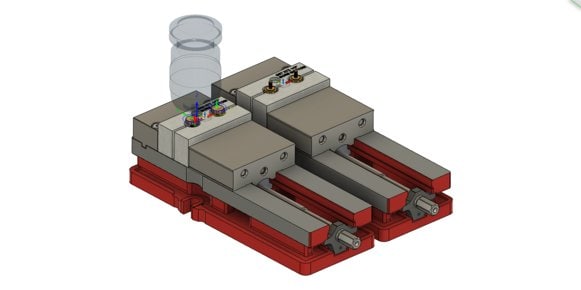
6. Knob CAM programming
6. Knob CAM programming
Considerations and steps for creating effective toolpaths for the knob components.

Make a fidget spinner
Make a fidget spinner
This step-by-step project shows how to design and apply tooling paths through Fusion 360 to create a fidget spinner. Included are detailed instructions that you as an instructor can use in the classroom as well as the needed part files. By the end, your students will be able to apply basic CAD skills, CAM tooling paths, and export that to a CNC machine.
Make a fidget spinner
Make a fidget spinner
This step-by-step project shows how to design and apply tooling paths through Fusion 360 to create a fidget spinner. Included are detailed instructions that you as an instructor can use in the classroom as well as the needed part files. By the end, your students will be able to apply basic CAD skills, CAM tooling paths, and export that to a CNC machine.