Create, collaborate, and deliver with confidence
Forma Design Collaboration delivers a connected common data environment that enables AECO teams to:
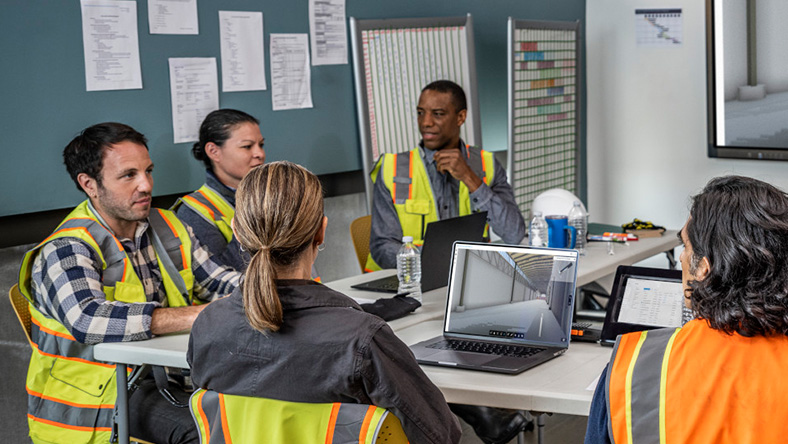
Co-author and collaborate across disciplines
Organize and control shared project data
Coordinate change with structured exchanges
Support design management and handover
Drive more predictable digital project delivery with one trusted source of information.
Create, collaborate, and deliver with confidence
Forma Design Collaboration delivers a connected common data environment that enables AECO teams to:
Co-author and collaborate across disciplines
Organize and control shared project data
Coordinate change with structured exchanges
Support design management and handover
Drive more predictable digital project delivery with one trusted source of information.
Collaborate
Collaborate confidently in design
Manage
Manage project data and milestones
Handover
Transform handover with a digital twin
Revit
Co-author Revit models in real time
Civil 3D
Collaborate seamlessly on Civil 3D projects
Plant 3D
Unite teams in a connected workspace
Collaborate
Collaborate confidently in design
Manage
Manage project data and milestones
Handover
Transform handover with a digital twin
Revit
Co-author Revit models in real time
Civil 3D
Collaborate seamlessly on Civil 3D projects
Plant 3D
Unite teams in a connected workspace
See what you can do with Forma Design Collaboration

— Andrew Schluterman, Vice President, HKS, Inc.

—Des Kinlough, UK BIM lead at Buro Happold

-Daniel S. Lee, Principal at Bohlin Cywinski Jackson
Forma Design Collaboration resources
Explore product roadmaps, tutorials, getting started guides, articles, and more to help you learn, improve, and work smarter with Forma Design Collaboration.
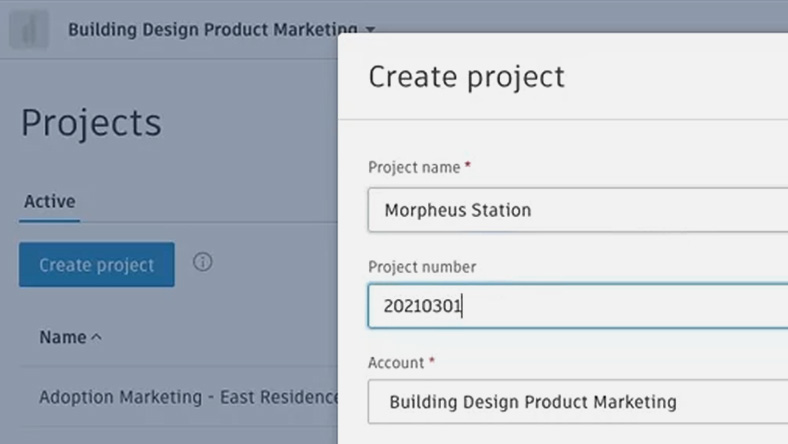
Guide
Forma Design Collaboration Quick Start Guide
Jumpstart your use of Forma Design Collaboration with this quick start guide to core tools and workflows.
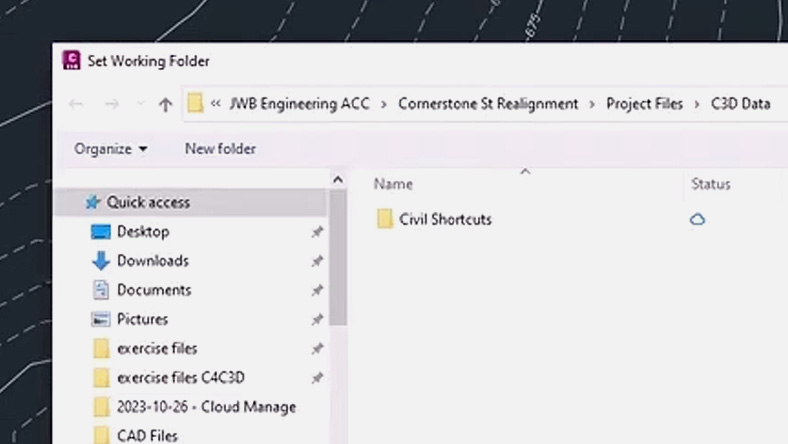
Tutorial
Manage and share Civil 3D data in the cloud
Learn how to manage and share Civil 3D data and cloud-based models for seamless collaboration.
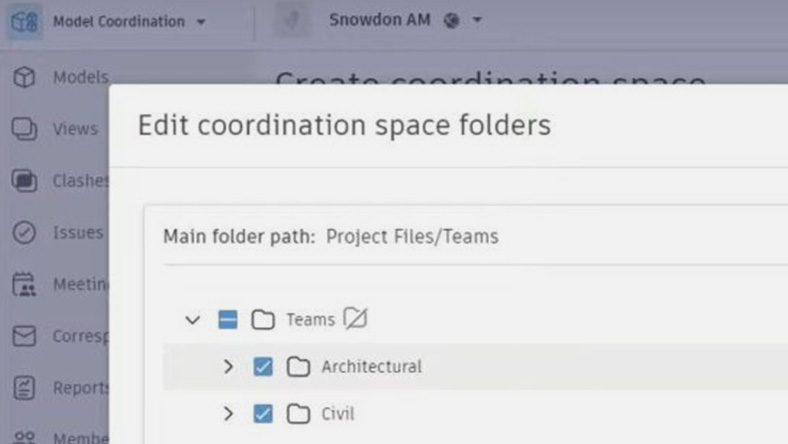
Blog
Enhance design reviews with Forma Design Collaboration
See how connected workflows simplify reviews and strengthen collaboration in complex projects.
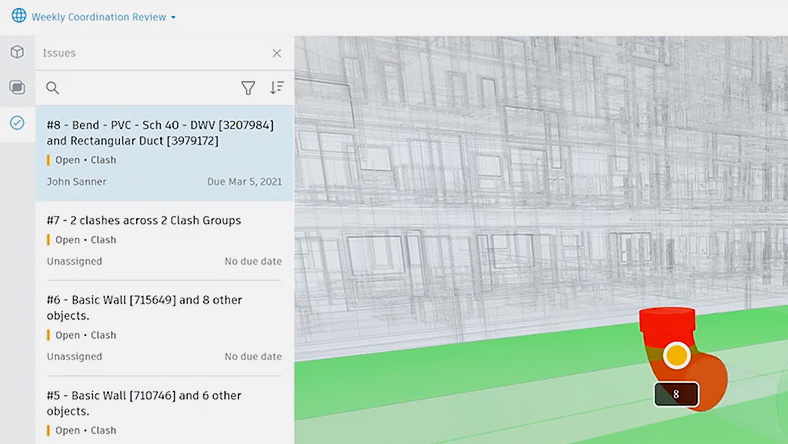
Article
Discover the top benefits of cloud-based model coordination
Uncover top reasons for implementing cloud based model coordination.
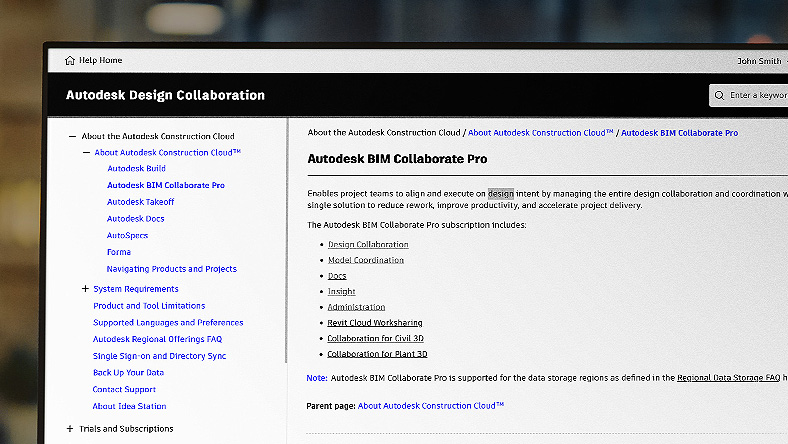
User Guide
Discover the benefits of model coordination
Access detailed documentation to learn workflows, features, and best practices.
News
Forma Design Collaboration product news
Explore new features and product announcements for Forma Design Collaboration.

Roadmap
Forma Design Collaboration product roadmap
Explore what’s coming for Forma Design Collaboration, including new features and enhancements.
Questions? We have answers
Forma Design Collaboration is web-based and has no desktop operating system requirements. See Forma Design Collaboration system requirements for details.
Forma Design Collaboration connects architecture, engineering, and construction teams on a single platform to make collaboration simpler. It improves communication, accelerates project timelines, and reduces rework and RFIs.
Forma Design Collaboration is used by AEC teams across disciplines, but is particularly useful for project managers, project architects, BIM leads, and digital practice managers.
Yes. Autodesk BIM Collaborate Pro has evolved into Forma Design Collaboration as part of the Forma industry cloud. If you currently use BIM Collaborate Pro, no action is required and your access continues seamlessly under the new name. Forma Design Collaboration continues to support multidisciplinary design coordination, model management, and collaboration across teams, now as a unified part of the Forma experience.
Forma Design Collaboration, Covered Content can be primarily stored on the Australia, Canada, EU, Germany, India, Japan, the UK, or the US regional offerings.
However, if you're using the Collaboration for Plant 3D service, please note that Covered Content can only be hosted on Australia, the EU, or US regional offerings.
For more information or guidance on selecting the right regional offering for your projects, please review our Autodesk regional offering detailed FAQ.
Tandem Essentials is offered as an entitlement with subscriptions for Forma Design Collaboration. You will have access to Tandem Essentials as part of your subscription to Forma Design Collaboration. Tandem Essentials includes an unlimited number of Facilities, 5,000 Tagged Assets, and 100 million Data Points, with configurable stream duration for Times Series History. The number of Tandem Essentials users is unlimited.
Your Autodesk Forma Design Collaboration subscription gives you access to install and use the three previous versions. Available downloads are listed in your Autodesk Account after subscribing. See also previous releases available for subscribers.
With a subscription to Forma Design Collaboration software, you can install it on up to three computers or other devices. However, only the named user can sign in and use that software on a single computer at any given time. Please refer to the Software License Agreement for more information.
Launch your trial software and click Subscribe Now on the trial screen or buy Forma Design Collaboration here. When buying your subscription, enter the same email address and password combination you used to sign in to your trial. Learn more about converting a trial to a paid subscription.
The price of an annual Forma Design Collaboration subscription is {{price.COLLRP.1year}} and the price of a monthly Forma Design Collaboration subscription is {{price.COLLRP.1month}}. The price of a three-year Forma Design Collaboration subscription is {{price.COLLRP.3years}}.
Products you can trust
From payment flexibility to always-on support, expect excellence.


