Inventor

Autodesk Inventor: 3D modeling software for designers and engineers

Create, simulate, and document your most ambitious ideas.

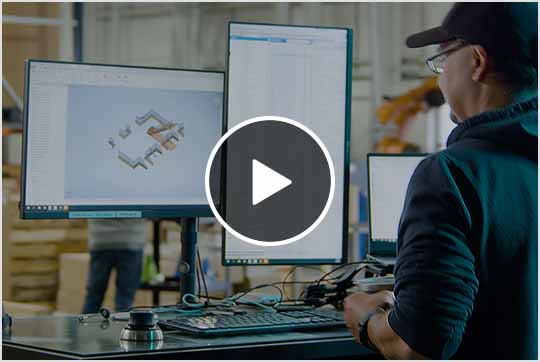
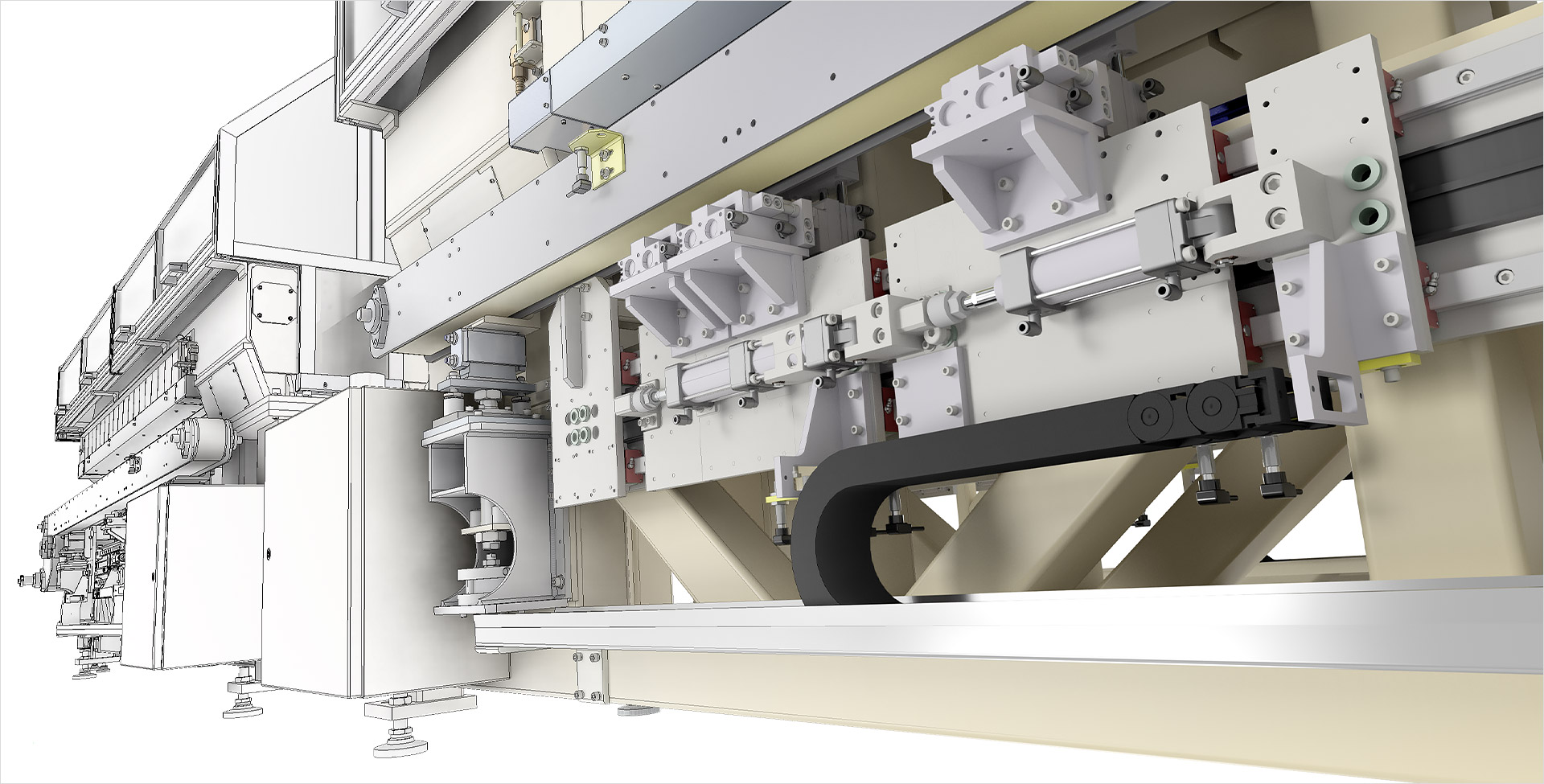
Image provided by Dynamic Structures

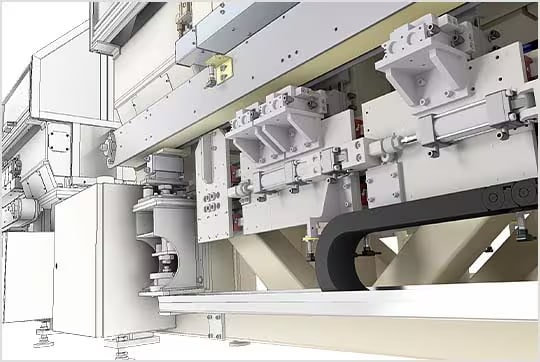
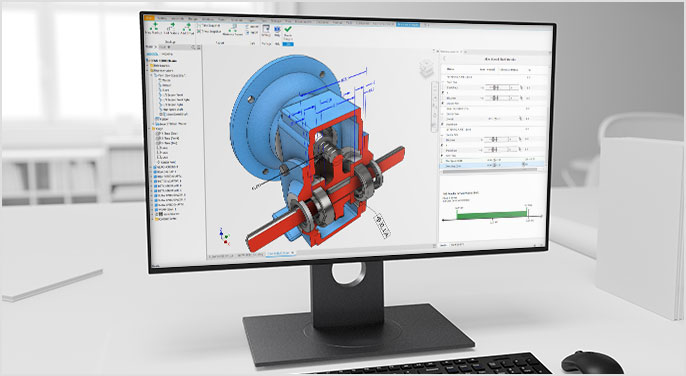
3D model of an industrial machine with a semi-transparent overlay revealing internal components and mechanical structure.

What is Autodesk Inventor?

Autodesk Inventor 3D CAD software provides mechanical design, documentation, and simulation tools.

  • A powerful blend of parametric, direct, freeform, and rules-based design.

  • Integrated tools for machine design, sheet metal, frame design, tube and pipe, cable and harness, and more.

  • Powerful Model-Based Definition for embedding manufacturing information directly in the 3D model.

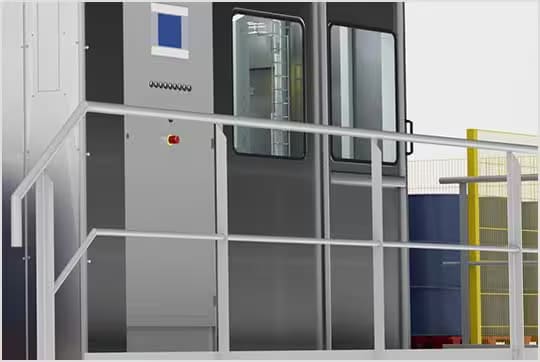
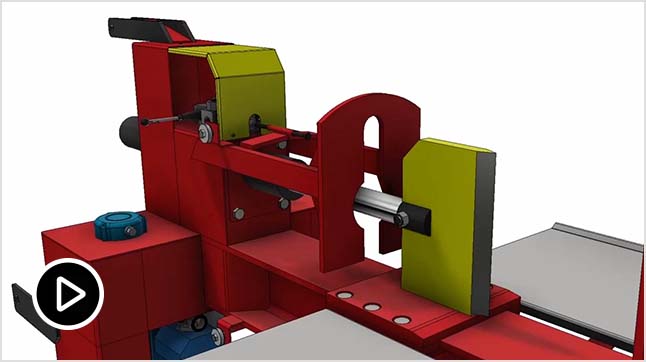
Image courtesy of Mastenbroek

What is Autodesk Inventor?

Autodesk Inventor 3D CAD software provides mechanical design, documentation, and simulation tools.

  • A powerful blend of parametric, direct, freeform, and rules-based design.

  • Integrated tools for machine design, sheet metal, frame design, tube and pipe, cable and harness, and more.

  • Powerful Model-Based Definition for embedding manufacturing information directly in the 3D model.

Image courtesy of Mastenbroek
3D model of an industrial machine with a semi-transparent overlay revealing internal components and mechanical structure.

Design more efficiently with automated processes

Quickly reconfigure your designs with iLogic. Access Inventor API to create add-ins and Autodesk Platform Services to connect your ecosystem.

Stay productive with built-in AI assistance

Autodesk Assistant in Inventor delivers intelligent, in-context AI support to help you resolve questions, automate tasks, and keep work moving.

Deliver custom designs that are BIM ready with Inventor

Increase sales opportunities for building projects by opening and saving native Revit family data.

Design more efficiently with automated processes

Quickly reconfigure your designs with iLogic. Access Inventor API to create add-ins and Autodesk Platform Services to connect your ecosystem.

Stay productive with built-in AI assistance

Autodesk Assistant in Inventor delivers intelligent, in-context AI support to help you resolve questions, automate tasks, and keep work moving.

Deliver custom designs that are BIM ready with Inventor

Increase sales opportunities for building projects by opening and saving native Revit family data.

Features to support your operations

Automated frame design

Use automated tools to create weld frame structures and simulate them using beam elements.

Sheet metal

Build your sheet metal designs with options for industry-standard bend allowances to create accurate flat patterns for manufacturing.

Tube and pipe design

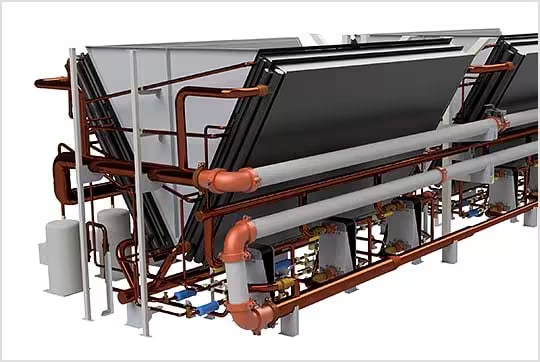
Use a combination of automated tools and full-control design functions in Inventor to build tube and pipe runs.

Model-based definition

Include 3D dimensions, annotations, and dimensional tolerances directly to your 3D model for downstream applications. 

Content center

Choose from standard and customizable content libraries, including beams, bolted connections, gears, cams, belts, and springs.

Work with non-native data

Directly open designs created from other CAD systems with no translation necessary.

Autodesk Assistant

AI-powered design companion, delivering instant answers, workflow guidance, and productivity boosts directly inside Inventor.

Dynamic simulation

Analyze mechanism motion over time, calculating forces, torques, velocities, accelerations, and joint reactions accurately.

Component generators and calculators

Built-in tools that automate creation and calculation of standard mechanical components and assemblies.

No content for panelMediaTab template

"We go from a blank screen to cutting metal in a matter of days."

— Mark Taylor, Engineering Director, Mastenbroek

"Inventor is helpful because races in our league can be decided by thousandths of a second."

— Scott Finnis, CNC Shop Manager, Kalitta Motorsports

"Theres so much power behind iLogic and we fell in love with the capabilities it provides."

— JJ Johnson, Chief Operating Officer, Viewrail

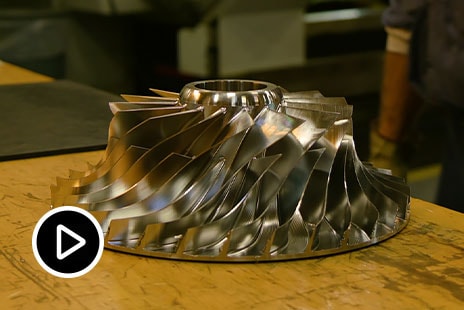
"To model an impeller manually took a couple of days previously. With iLogic it takes about 15 minutes."

— Alex Curtin, Product Manager, FS-Elliott

Product Design & Manufacturing Collection

Design smarter and faster

Save with the collection

Combine the strength of Inventor, AutoCAD, and Fusion to design complex products, equipment, and factories.

Product Design & Manufacturing Collection

+ 9 more

Product Design & Manufacturing Collection

Design smarter and faster

Save with the collection

Combine the strength of Inventor, AutoCAD, and Fusion to design complex products, equipment, and factories.

Product Design & Manufacturing Collection

+ 9 more

Explore Inventor resources

  • BLOG

    See what’s new in Inventor

    Discover the latest enhancements in Autodesk Inventor and start implementing them in your workflows.

  • WEBINARS

    Watch Inventor webinars

    Learn from the experts about powerful integrated tools and downstream workflows for Autodesk Inventor.

  • YOUTUBE

    Inventor YouTube channel

    Watch videos on the latest release, including productivity tips.

  • TUTORIALS

    Inventor getting started guides

    Whether you’re just getting started or are a seasoned CAD user, check out these tutorials.

Questions? We have answers.

Autodesk Inventor software provides engineers with a complete set of powerful mechanical design solutions for 3D modeling, simulation, visualization, and documentation. With Inventor software, engineers can create a virtual representation of the final product to validate the form, fit, and function before it’s built. It includes powerful modeling tools, multi-CAD translation capabilities, and native DWG drawings to help you reduce development costs, make great products, and get your products to market faster.

Autodesk Inventor is used by mechanical designers and engineers who need automated and specialized tools to design and prepare for manufacturing.

Autodesk provides download and install instructions for individuals and administrators. Your available downloads appear in Autodesk Account. Find your product, select a version, platform, language, and download method. For more information, see download and install support.