Autodesk Maya: Create expansive worlds, complex characters and dazzling effects

3D animation and visual effects software

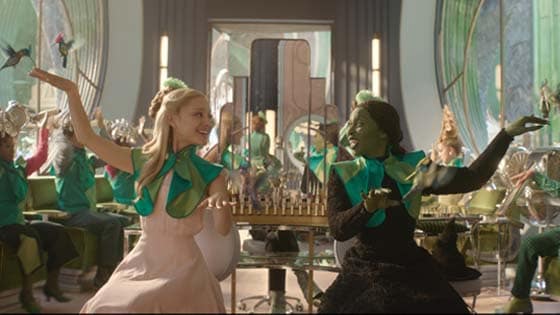
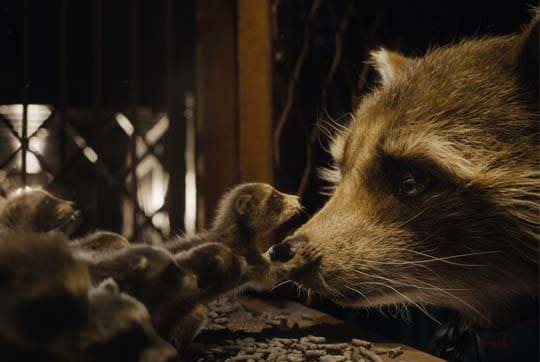
Image courtesy of Framestore

maya overview mobile banner

Why use Maya?

Tell unforgettable stories

Model and animate compelling characters and worlds that keep audiences engaged and clients coming back.

Automate tedious tasks

Harness AI-powered tools to speed up production and free up time to focus on the work you love.

Improve collaboration

Easily share assets across tools, teams, and studios with integrated open standards.

What you can do with Autodesk Maya

House of the Dragon season 2 made with Maya. Image courtesy of Rodeo FX © 2024, HBO.

see more

Breathe life into 3D models with powerful animation tools

Whether you’re animating lifelike digi doubles or lovable cartoon characters (US Site), Maya has the animation toolset to bring your 3D assets to life.

see more

How does Maya simplify animation with AI?

Avoid tedious tasks and take control of your animations. With tools like Maya’s Machine Learning Deformer, powered by Autodesk AI, you can effortlessly:

  • Approximate complex character deformations
  • Speed up animation
  • Block scenes efficiently
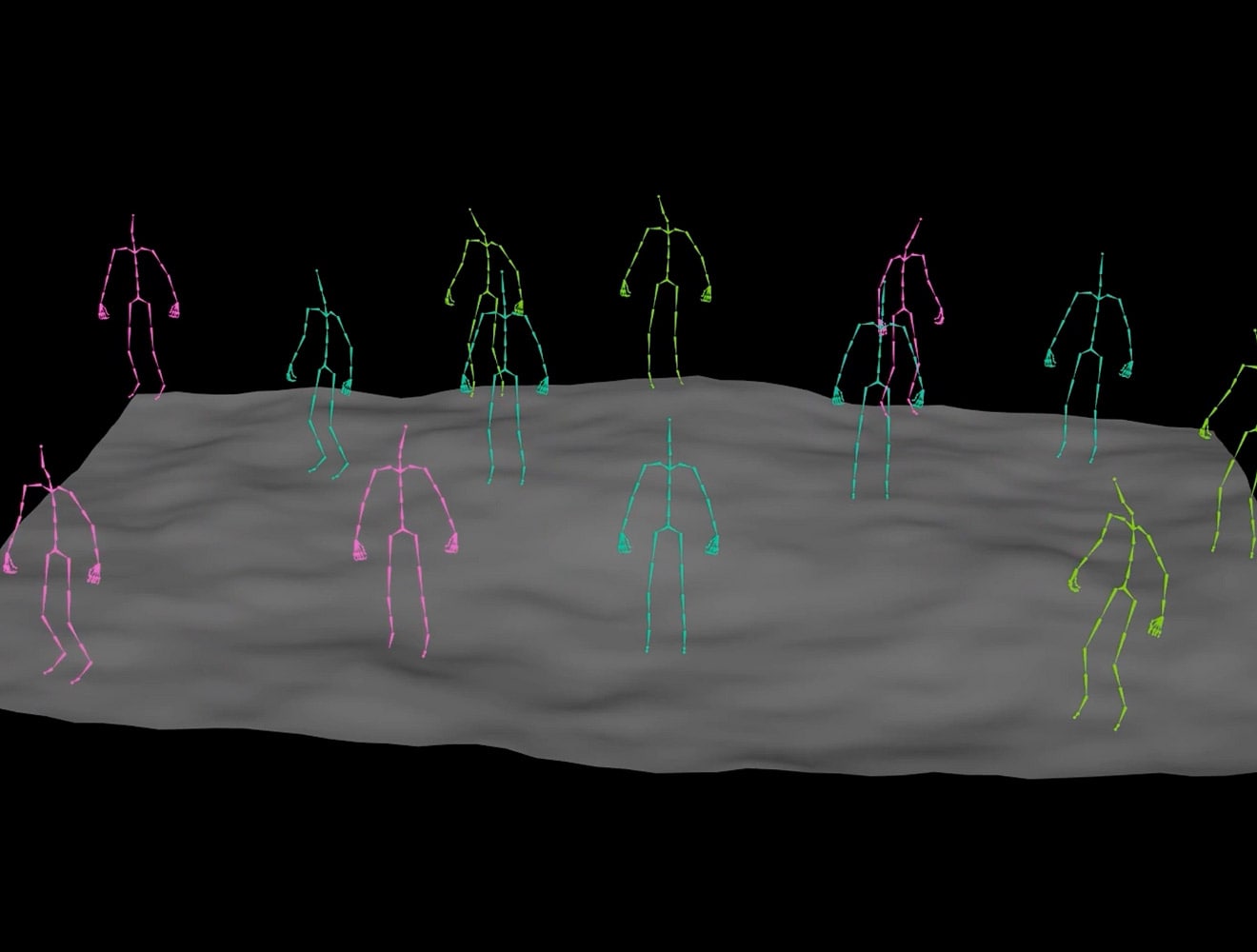
  • Manage crowd scenes

Stay on track and stress-free with these powerful tools designed to make your animation projects smoother and more enjoyable.

Animation tools: Fly through animation work

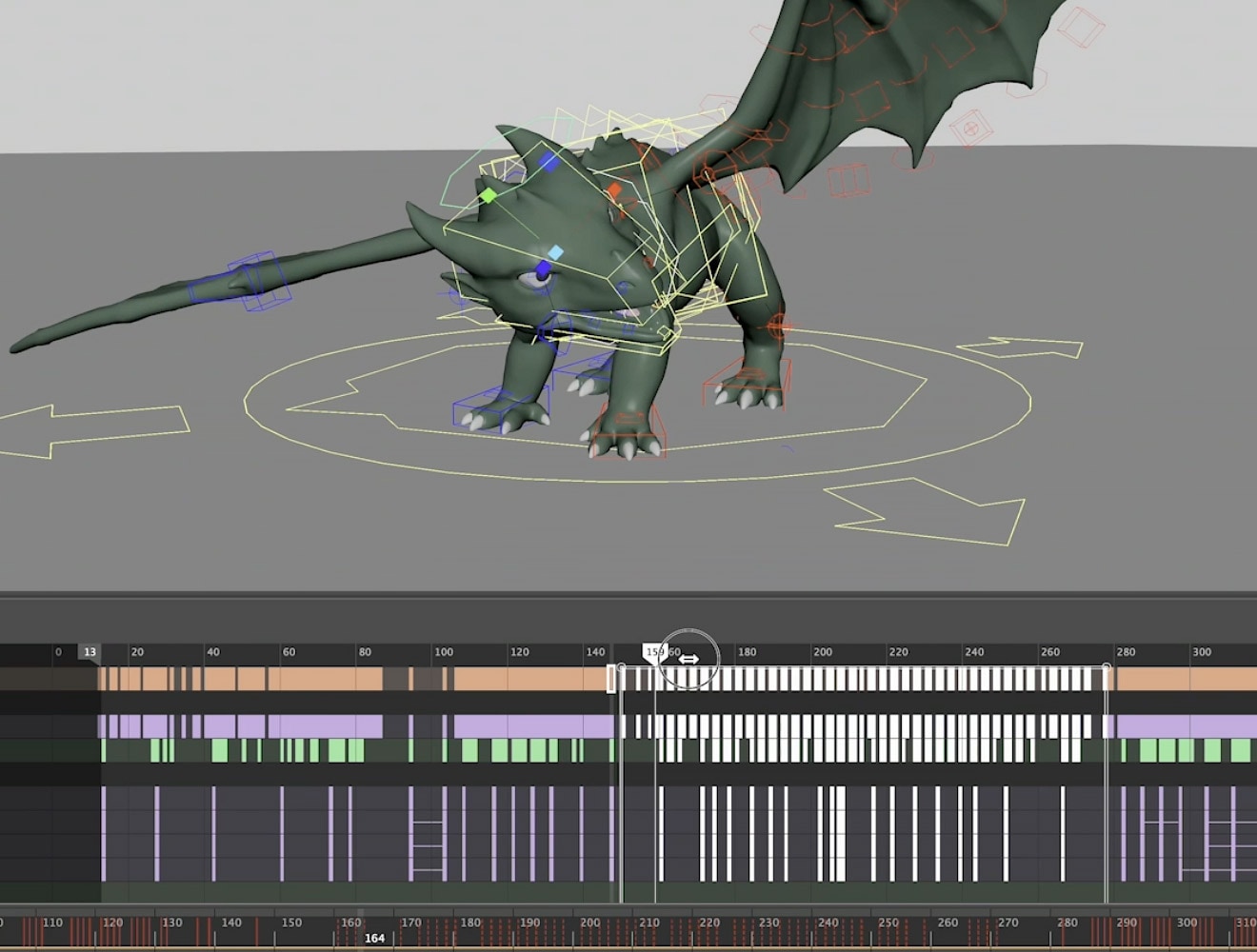
Adopt a toolset that frees you to do the work that matters most with keyframe, nonlinear, and motion capture animation. Easily track and adjust complex character timing with Maya’s redesigned Dope Sheet and visualise how a character moves 100 times faster with Motion Trails.

VFX tools: Create detailed effects that pop

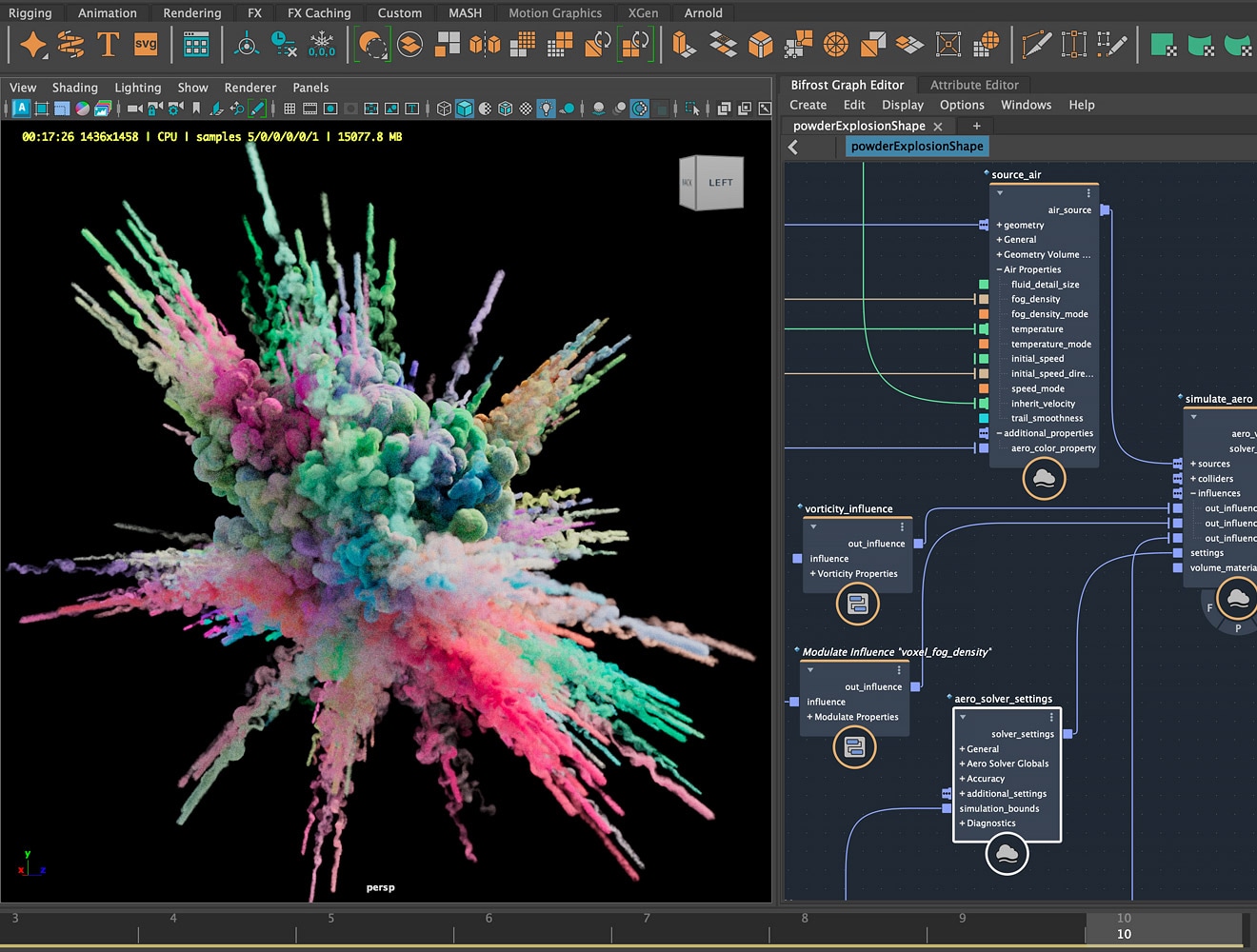
From vibrant explosions to lush forests and frigid snowstorms, Bifrost lets you create natural-looking effects with ease. In Maya’s Bifrost Graph, you can handle simulations, scattering, and instancing, plus work with OpenUSD scenes for better collaboration. Plus, access pre-built graphs to jump start your effects.

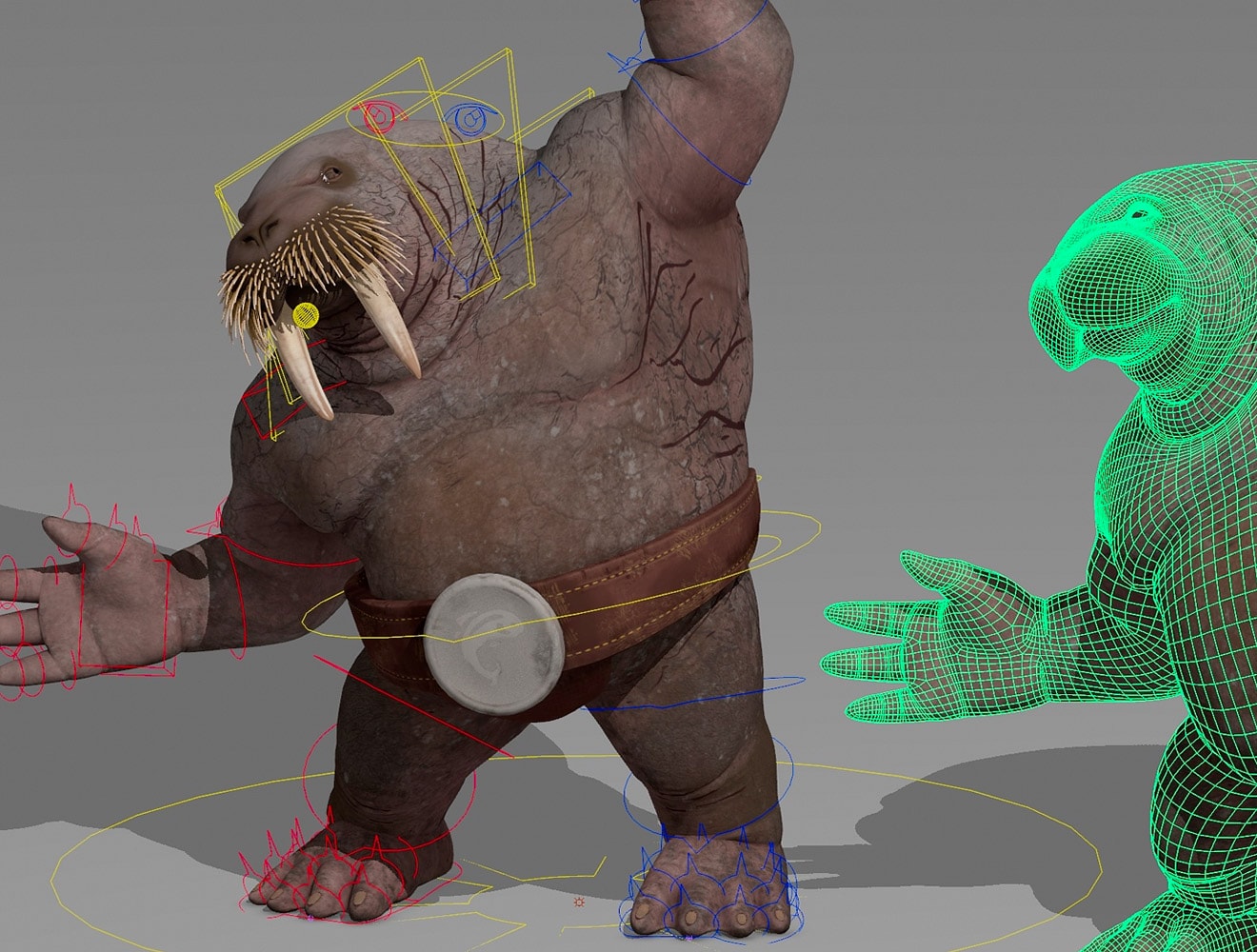
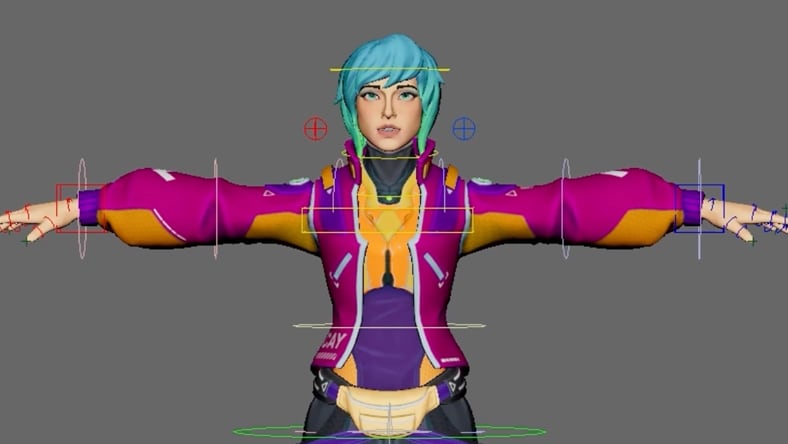
Rigging tools: Make posable characters

Create great characters from the start with fast, intuitive rigging tools for building and posing skeletons, plus easy skinning. Take advantage of Bifrost for Maya’s modular and procedural framework to create standardised rig modules, using built-in options or custom designs.

What's new in Maya

MotionMaker

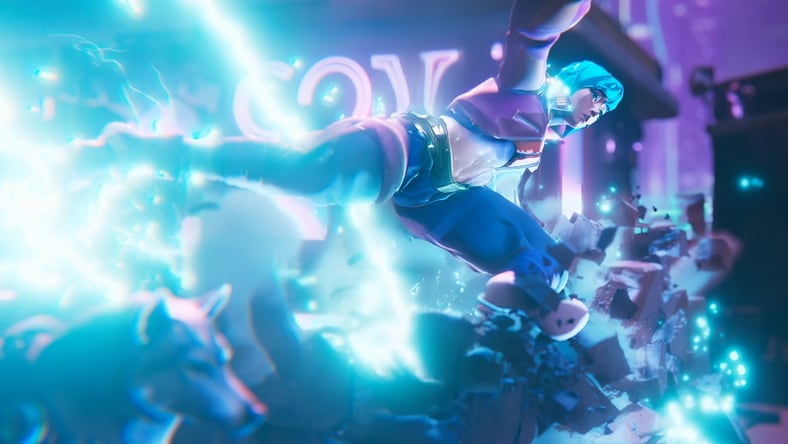
Quickly generate character motion with AI, then refine and personalize it, now with an improved editor, smarter shortcuts, and optimized performance.


Image courtesy of Griffin Animation Studios

Modular rigging

Rig production-ready characters and props using a procedural and modular workflow in Bifrost, without leaving Maya.


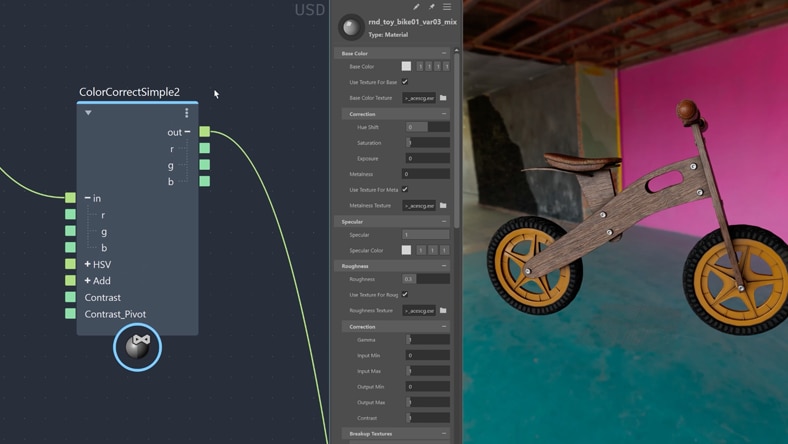
LookdevX

Build materials that work across renderers with enhancements to LookdevX, an agnostic material authoring plugin, supported by OpenUSD and MaterialX.


Image courtesy of Arvid Schneider

Workflows and use cases

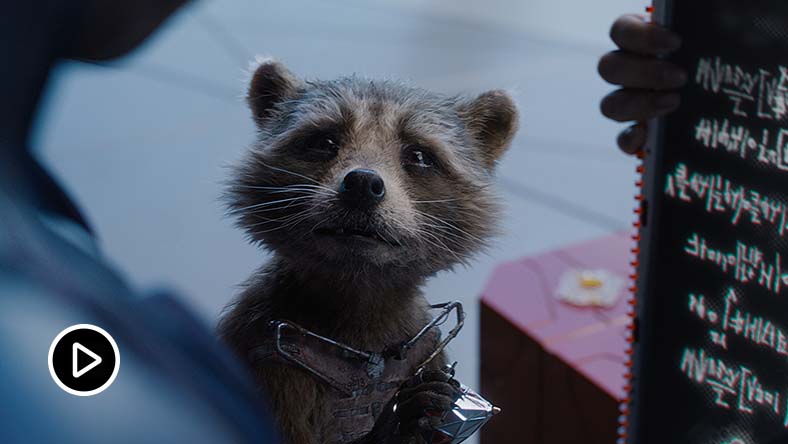
Animating Guardians of the Galaxy Vol. 3 characters

Watch how Framestore developed stunning character animations for Guardians of the Galaxy Vol. 3 with Maya.

Load More

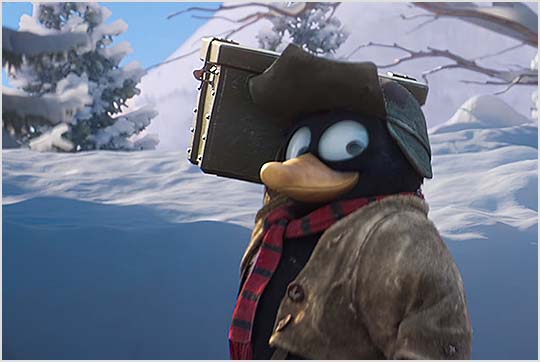
Streamlining teamwork: Qvisten’s OpenUSD asset pipeline

Qvisten Animation built an OpenUSD (Universal Scene Description) asset pipeline with Maya to streamline teamwork and future-proof productions.

Load More

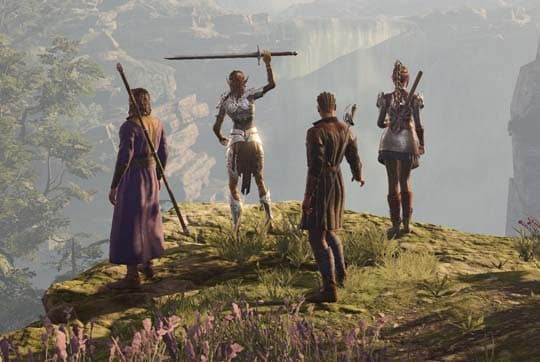
Creating the extraordinary FINAL FANTASY XVI game

Discover how SQUARE ENIX used Maya to reduce workload and complexity without compromising the quality of the FINAL FANTASY XVI video game.

Load More

© SQUARE ENIX 

Load More

Maya resources

STAY UP TO DATE

M&E YouTube channel

Watch talks from industry experts and discover new tools, workflows and more.


TUTORIALS

Maya learning channel

Find modelling, rigging, animation, FX and rendering tutorials to get you producing digital content.


ARTICLES

Maya blog

Read Maya news and stories from animation, VFX and games studios.


When to choose Maya or 3ds Max

Maya and 3ds Max are used by creative studios around the world for animation, modelling, visual effects and rendering.

Save with the new Media & Entertainment Collection

Create breathtaking scenes and characters for film, TV and games.

All of the creative tools you need to build a powerful and scalable pipeline for less, including five Arnold seats, 15 times the simulation power, and new exclusive crowd simulation capabilities.


Frequently asked questions (FAQs)

See more

Find troubleshooting articles and resolve your issue.