& Construction

Integrated BIM tools, including Revit, AutoCAD, and Civil 3D
& Manufacturing

Professional CAD/CAM tools built on Inventor and AutoCAD
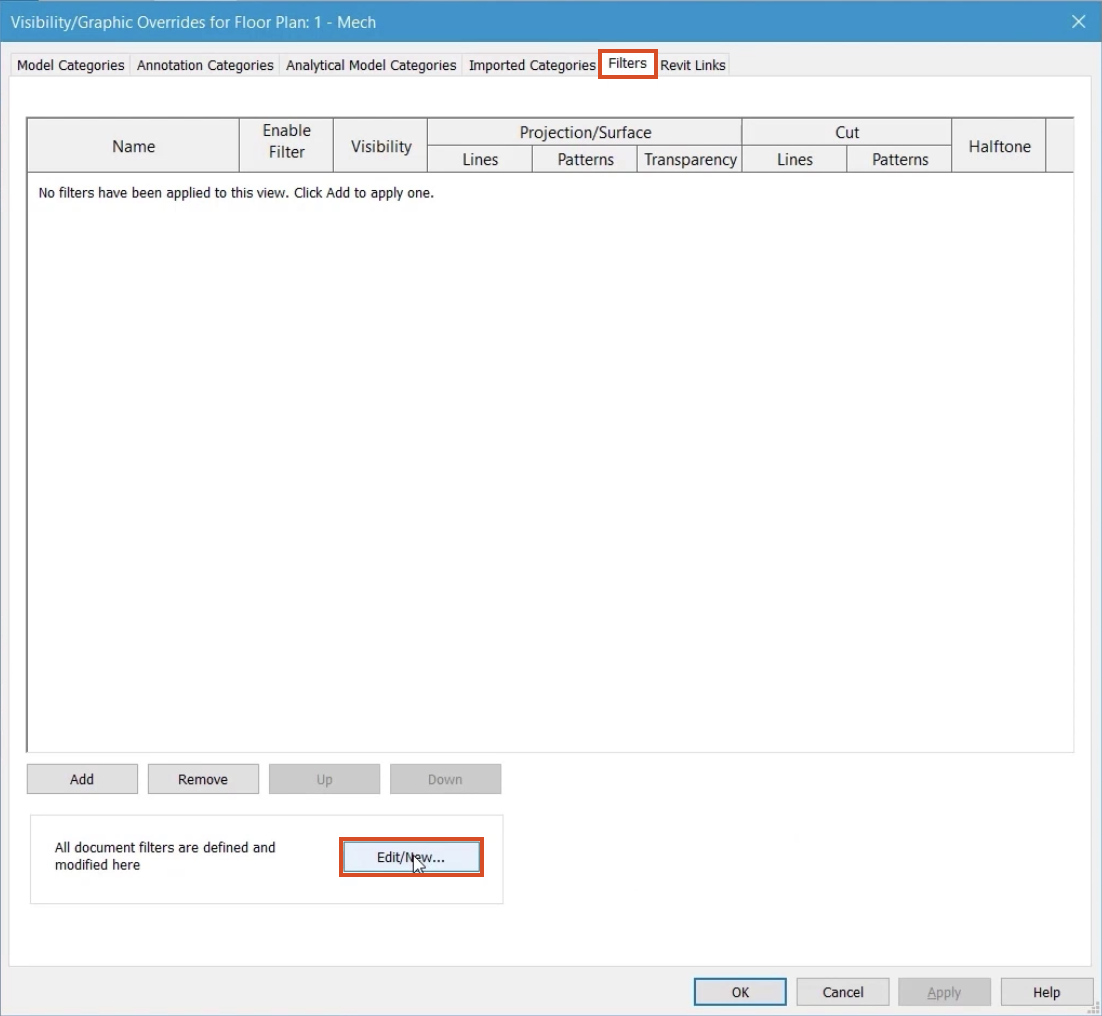
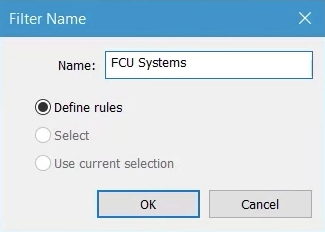
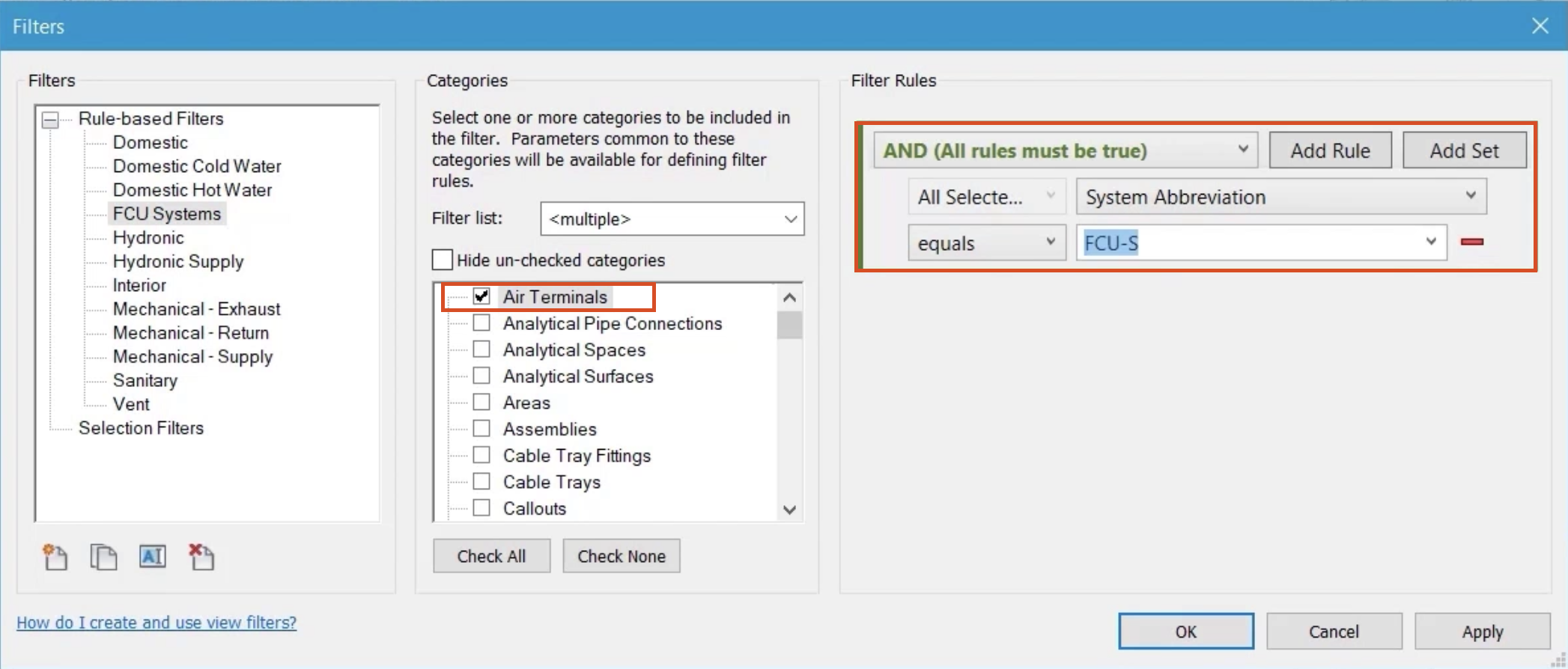
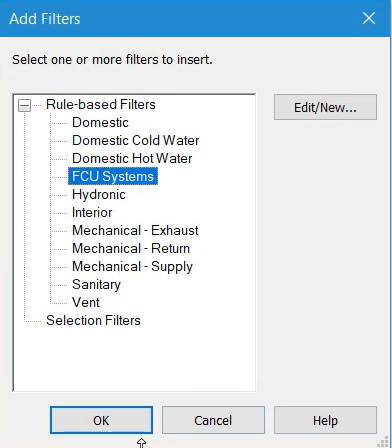
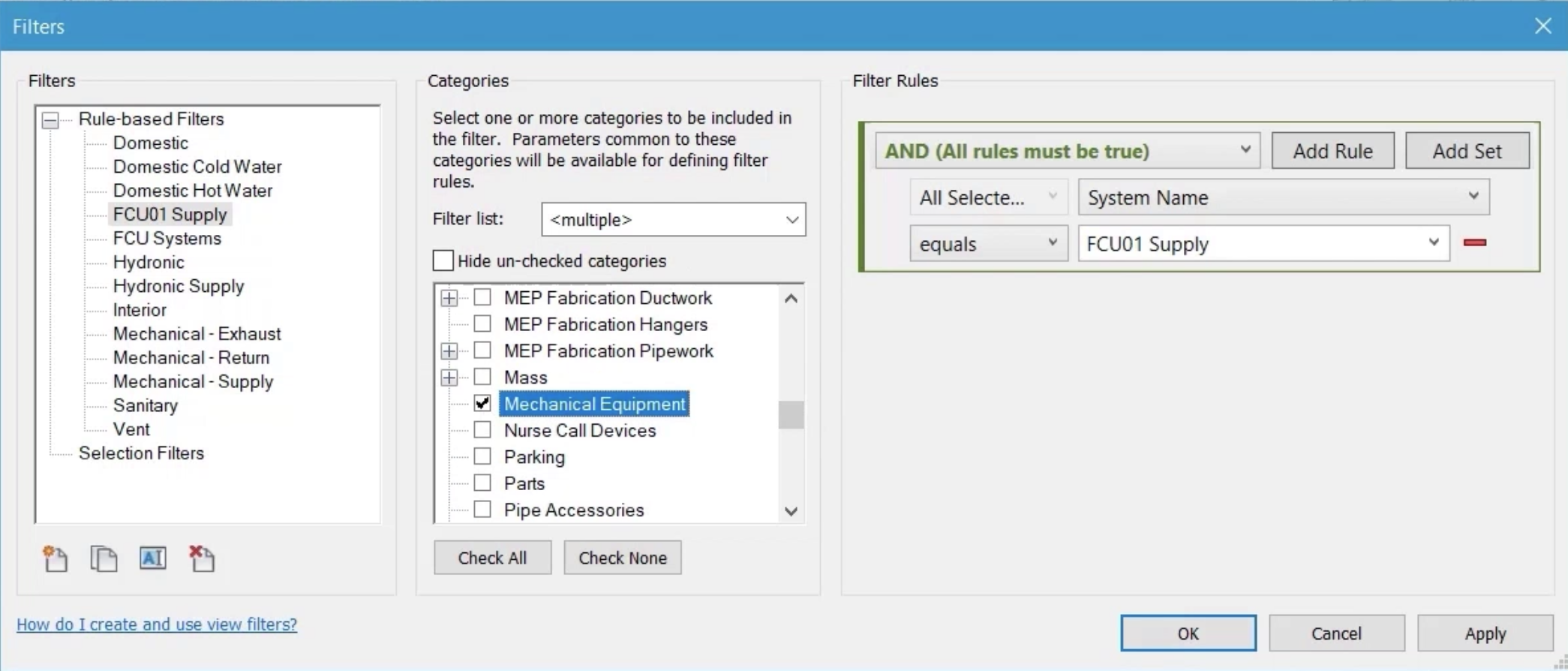
Apply view filters to control system appearance and visibility.
Tutorial resources
These downloadable resources will be used to complete this tutorial:
Apply view filters to control system appearance and visibility.


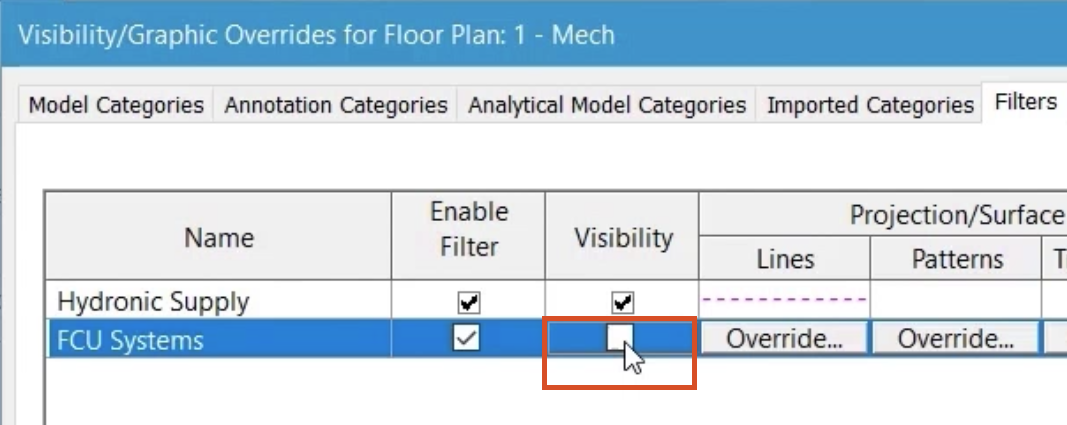
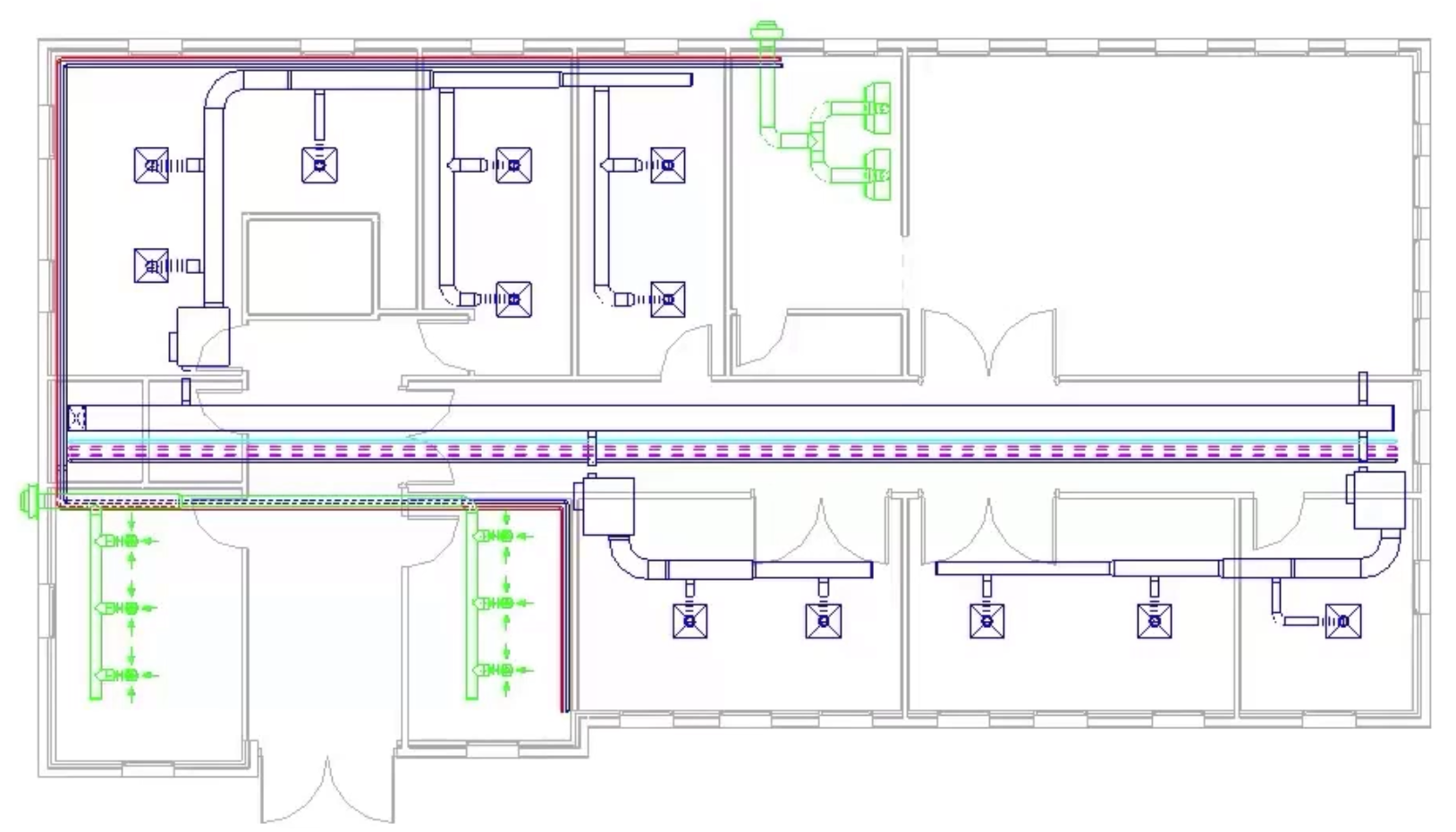
All systems with the abbreviation FCU-S are controlled by the filter and are no longer visible in this view.

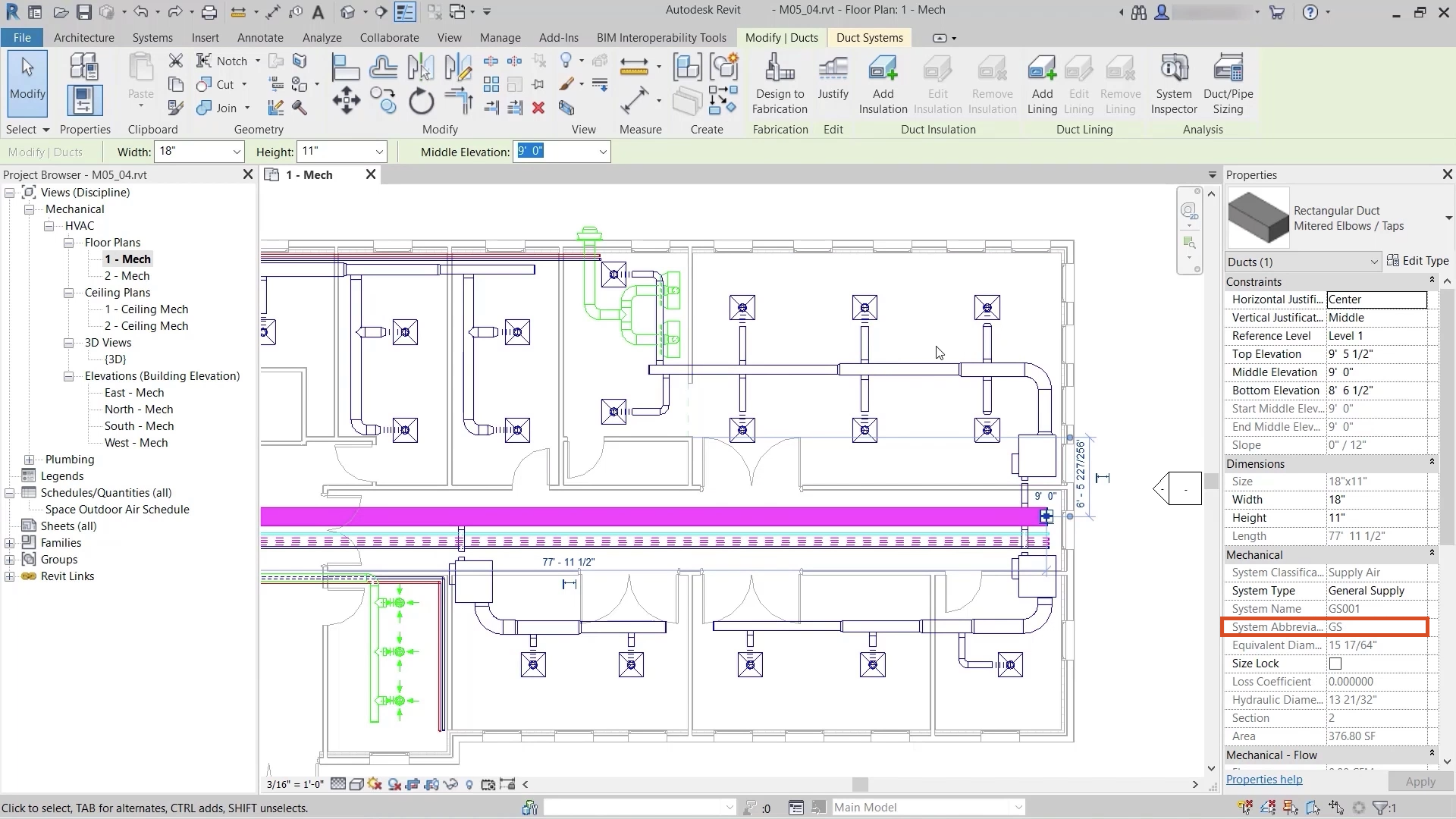
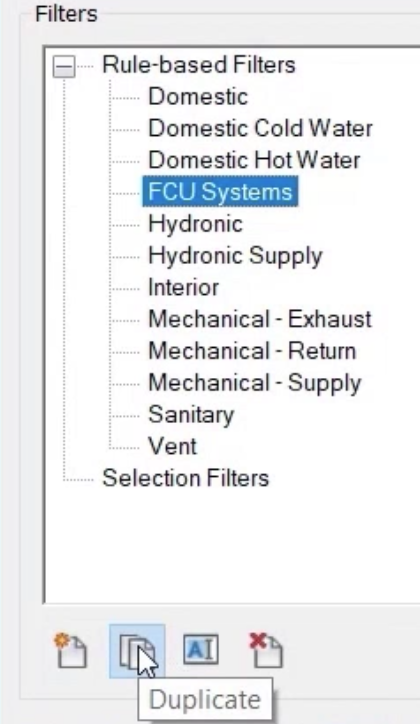
A more granular method to using filters with systems in Revit is to use unique system names.

Note: All systems in the project have a unique name, so that more efficient filtering can be achieved.

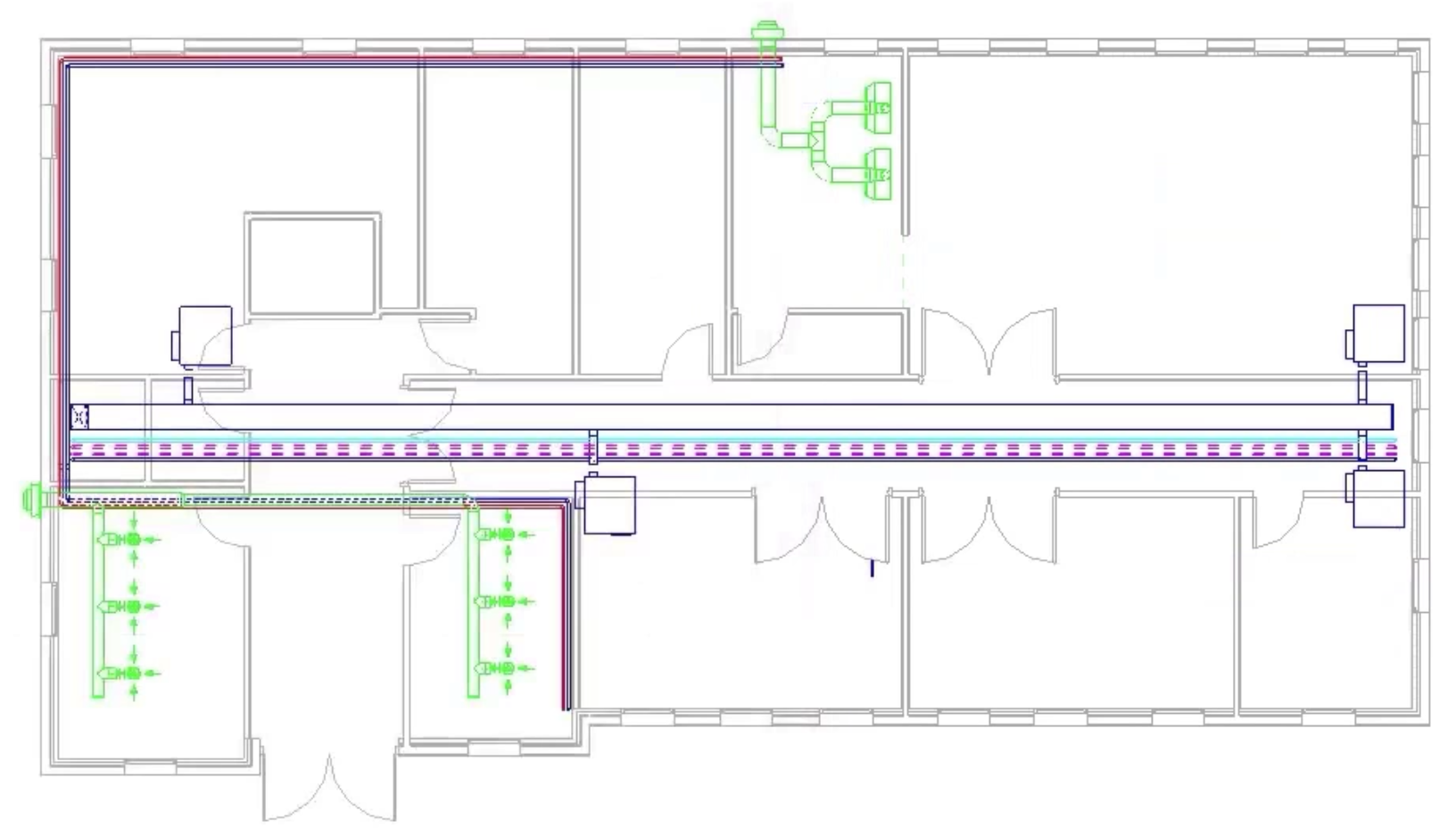
A review of the floor plan shows that only the system named in the filter has been affected and is no longer visible.